

Key Takeaways
- Cloud gaming runs game software on remote servers and streams video output to your device.
- A fast, stable internet connection is essential for a smooth cloud gaming experience.
- Players can potentially access high-end games on modest hardware like phones or smart TVs.
- Latency remains the primary technical hurdle that distinguishes cloud gaming from local play.
- Cloud gaming is distinct from live game streaming, where creators broadcast their own gameplay to an audience.
Cloud Gaming
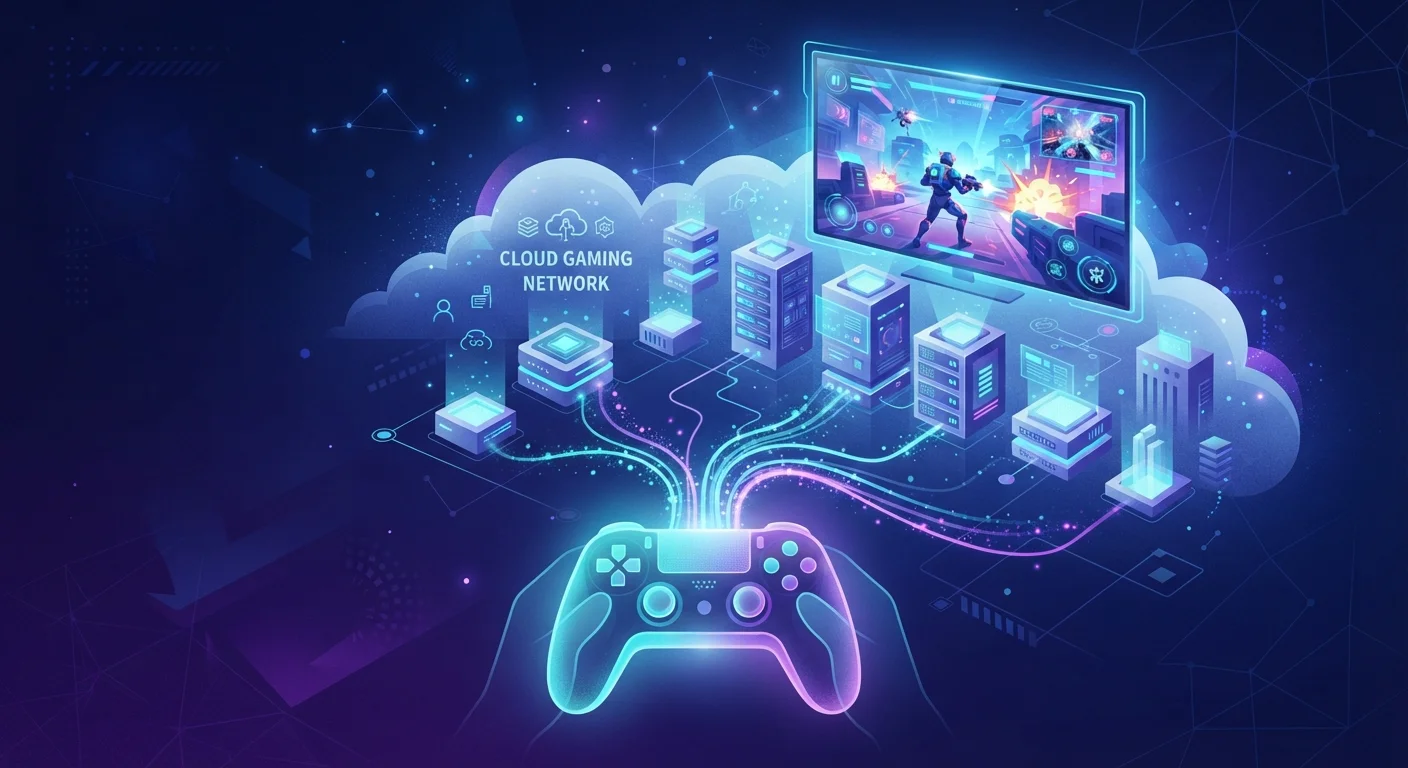
Cloud gaming is a way to play video games without needing a powerful local console or PC. Instead of running the game on your own hardware, a remote server does all the computing work and streams the visuals to your screen in real time - much like how Netflix streams a movie. You send your controller inputs over the internet, and the server responds almost instantly.
Latency - the delay between your input and the server's response - is the critical technical challenge. Round-trip times under 40-50 milliseconds are generally considered the threshold for a responsive gaming experience.
The Basic Idea: Your Screen, Someone Else's Computer
Think about how video streaming works. When you watch a show, the video file lives on a company's server somewhere, gets compressed, and travels across the internet to your TV or phone. Cloud gaming follows the same basic logic - except instead of a prerecorded file, the server is running live game software and sending you the resulting video frames in real time.
Your inputs - button presses, joystick movements - travel from your controller or keyboard back to the server, which responds and updates what you see. The entire feedback loop happens continuously, often dozens of times per second. Done well, it feels nearly identical to playing on local hardware. Done poorly, and you'll notice a perceptible lag that makes fast-paced games difficult.
This architecture is built on the same foundational infrastructure that powers much of the internet. If you're curious how cloud infrastructure actually operates beneath the surface, cloud computing is more widely misunderstood than you might expect.
~40ms
Maximum tolerable input latency for most players
Industry research generally places the threshold for perceptible gaming lag at around 40-50 milliseconds round-trip time between input and server response.
35 Mbps+
Recommended speed for high-resolution cloud gaming
Most major cloud gaming services list 35 Mbps or higher as their recommendation for streaming games at full HD or above quality levels.
Billions
Annual revenue projected for cloud gaming sector
Multiple industry analyst firms have projected the global cloud gaming market will reach multi-billion dollar annual revenues within this decade, driven by infrastructure expansion.
What Makes It Technically Challenging
The engineering behind cloud gaming is genuinely complex. Servers must render high-fidelity game graphics, compress that video output at lightning speed, and transmit it across the internet - all before your next controller input arrives. Any slowdown in that chain introduces latency, the nemesis of cloud gaming.
Video quality adds another layer. Streaming a game at high resolution requires significantly more bandwidth than streaming a movie, because game content changes rapidly and unpredictably with every player action. Services use adaptive streaming techniques - similar to those that adjust movie quality when your connection dips - to maintain a playable experience even as network conditions shift. For context on what those video quality terms actually mean, understanding 4K and HDR in streaming contexts is useful background.
Wired Beats Wireless for Cloud Gaming
If you're experiencing lag or visual degradation during cloud gaming sessions, switching from Wi-Fi to a wired ethernet connection is one of the most effective fixes. Wi-Fi introduces variable latency that wired connections avoid. Even a basic ethernet cable can meaningfully stabilize your experience.
Who Cloud Gaming Is Well-Suited For
Cloud gaming genuinely opens doors for players who would otherwise be locked out of certain gaming experiences. Someone with a mid-range laptop or a smartphone can access graphically demanding titles that would require an expensive gaming PC or a current-generation console - because the heavy lifting happens remotely.
It also appeals to players who move between devices. Starting a session on a TV at home and continuing on a phone elsewhere is a real possibility with cloud gaming in a way that traditional hardware can't match.
That said, players who prioritize zero-latency performance - particularly in competitive or fast-twitch games - often still prefer local hardware. How cloud gaming compares to traditional console play comes down to a series of trade-offs worth understanding before making a choice.
The Internet Connection Factor
No single variable shapes the cloud gaming experience more than your internet connection. Speed matters, but stability and latency matter even more. A connection that's fast on average but prone to brief interruptions will cause more problems than a slower but consistent connection.
Geographic proximity to a server data center is also significant. The farther data has to travel, the higher the baseline latency. Services typically operate multiple regional data centers to minimize this, but players in rural or underserved areas may find the experience less consistent than those in major metropolitan regions.
Data Usage Adds Up Quickly
Cloud gaming can consume significantly more data than typical video streaming - potentially several gigabytes per hour at high quality settings. If your home internet plan has a monthly data cap, it's worth checking your usage patterns before committing to heavy cloud gaming sessions. This is especially relevant for players on mobile data connections.
For anyone curious about the broader cloud infrastructure picture - including the differences between how large-scale computing resources are organized - public, private, and hybrid cloud models each represent distinct approaches that gaming services can draw on.