

Key Takeaways
- Notifications are designed using psychological principles that make them intentionally difficult to ignore.
- Most apps request permission to send notifications even when those alerts add no real value to users.
- A structured audit of your notification settings can meaningfully reduce daily interruptions.
- Bundling notifications and using Focus modes are among the most effective control strategies available.
- Turning off notifications doesn't mean missing important information - it means receiving it on your terms.
Why Notifications Are So Hard to Ignore
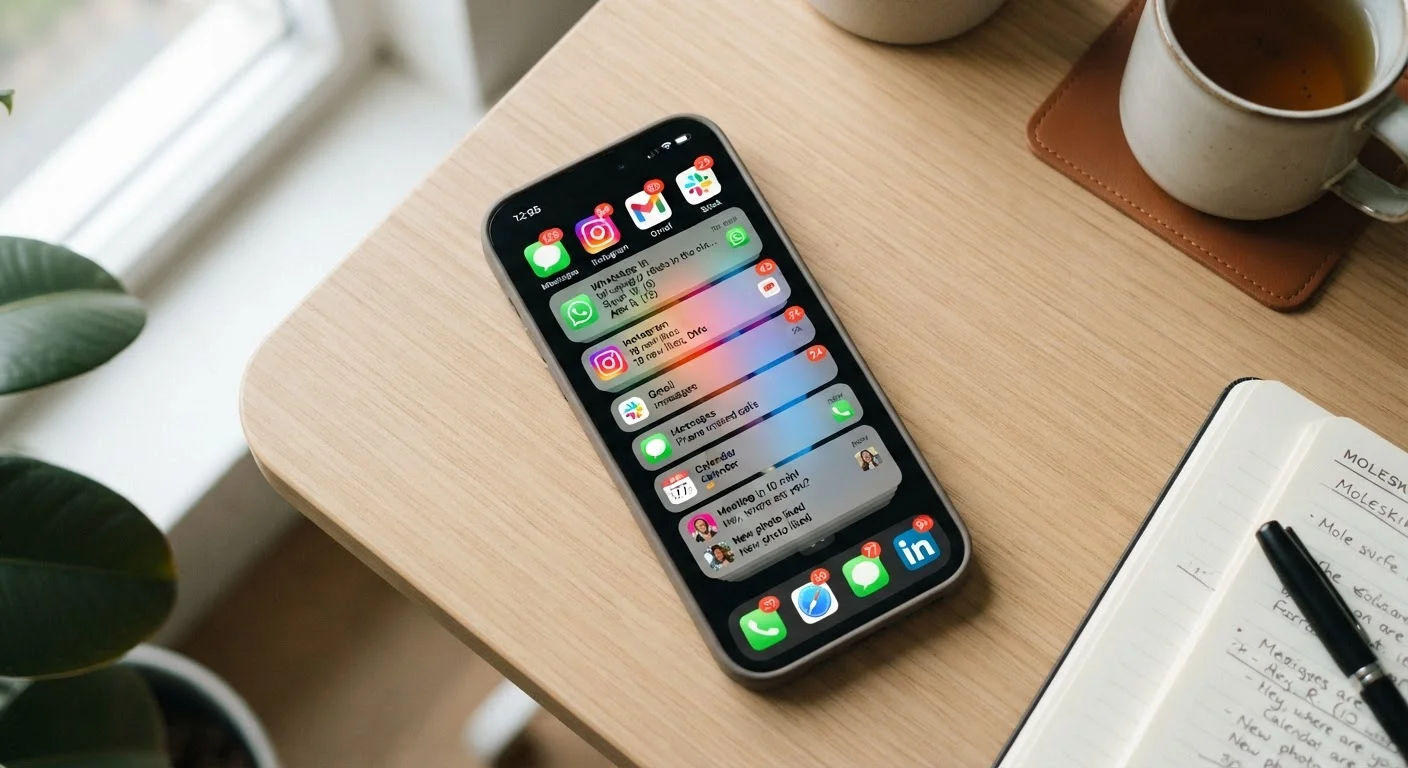
Every ping, badge, and banner on your phone has been deliberately engineered to pull your attention away from whatever you're doing. App developers and platforms use principles drawn from behavioral psychology - including variable reward schedules, the same mechanism that makes slot machines compelling - to maximize the chance you'll tap through. A notification doesn't just inform you; it creates a small loop of curiosity or mild anxiety that your brain wants to resolve immediately.
The result is a fragmented attention environment. Research in cognitive psychology consistently shows that recovering full focus after an interruption can take significantly longer than the interruption itself. For most people, this means a constant low-grade drain on concentration, even when they're not actively checking their phones.
Understanding this design intent is the first step toward addressing it. Once you recognize that the default notification state of any new app is configured for the app's engagement goals - not yours - it becomes easier to treat your notification settings as something that requires deliberate configuration, not a factory default you live with.
“Attention is the rarest and purest form of generosity. The challenge in a notification-saturated world is ensuring that generosity is directed by you - not by the apps competing for it.”
— Cal Newport, Author and professor, known for research on digital minimalism and deep work
Conducting a Notification Audit
The most effective starting point is a full inventory of what's currently sending you notifications and what value each one actually delivers. Both iOS and Android provide a centralized notification settings panel where you can see every app with permission to alert you.
Go through each app and ask a single question: Does this notification require a timely response, or can it wait? Most apps fall into one of three categories: genuinely time-sensitive (messages from specific people, urgent calendar reminders), useful-but-not-urgent (news, social updates, shopping alerts), and low-value (marketing pushes, engagement nudges, streaks).
80+
Average app notifications received per day by US adults
Studies on smartphone usage patterns consistently find that US adults receive more than 80 push notifications per day across all apps, the majority of which go unread or are dismissed immediately.
23 min
Average time to regain full focus after an interruption
Research from the University of California, Irvine has indicated that it can take an average of around 23 minutes to fully recover concentration after being interrupted, underscoring the compounded cost of frequent notifications.
The goal isn't to silence everything - it's to ensure that what reaches you actually warrants your immediate attention. For the second and third categories, consider disabling notifications entirely or switching to a badge-only display (a number on the app icon) that you check on your own schedule rather than the app's.
For a deeper look at how your phone's built-in tools can support this process, see how screen time settings work on iOS and Android.
Best Practices for Reclaiming Notification Control
With a clearer picture of your notification landscape, the following practices provide a reliable framework for reducing interruptions without creating blind spots.
Revoke notification permissions for any app that doesn't require timely alerts.
Most apps request notification access during onboarding, but a large proportion have no legitimate reason to interrupt you in real time. Removing permission entirely is more effective than lowering alert style, because it eliminates the temptation to re-enable alerts when a badge appears.
Use notification bundling or scheduled delivery to receive alerts in batches rather than one at a time.
Receiving ten notifications throughout an hour causes ten interruptions. Receiving the same ten as a single summary causes one. Both iOS (Scheduled Summary) and Android (notification batching) offer built-in tools to group non-urgent alerts for delivery at set times.
Configure Focus or Do Not Disturb modes with specific allowed contacts and apps.
Blanket silence creates anxiety about missed emergencies. Allowing calls and messages from a defined list of people - while silencing everything else - gives you the benefits of uninterrupted time without the fear of missing something genuinely urgent.
Turn off notification badges for apps you check habitually on your own schedule.
Badges - the number icons on app icons - function as a persistent visual pull, encouraging you to open apps even when you had no intention of doing so. Removing them for apps like email or social media breaks the reflex loop without cutting off access to information.
Audit notification settings whenever you install a new app.
Apps request maximum notification permissions by default, and it's easy to accept them without consideration during setup. Making a habit of immediately adjusting notifications after installation prevents new sources of interruption from accumulating.
Building Habits That Reinforce Quieter Defaults
Configuring notifications is a one-time action; making those settings stick requires building habits around them. The most common reason people revert to noisy defaults is that they worry about missing something important. Addressing that concern directly - by identifying the handful of communication channels that genuinely need immediate access - removes the anxiety that drives notification creep.
It also helps to pair your notification strategy with structured times of day when you deliberately check lower-priority apps. This transforms reactive scrolling into an intentional behavior. If you're working on building a more deliberate morning routine, setting a notification-free window for the first hour of your day is a natural complement to that effort.
The goal is a system where your phone surfaces what matters, when it matters, without colonizing every available moment of your attention.
Review Notification Settings After Every OS Update
Major operating system updates on both iOS and Android can reset notification preferences or introduce new alert categories for existing apps. After any significant update, it's worth spending five minutes reviewing your notification settings to confirm your configurations are still in place. This small habit prevents weeks of inadvertent notification creep.