

Key Takeaways
- A single breached password can expose every account where you've reused it.
- Credential stuffing attacks are automated, fast, and increasingly common against everyday users.
- Password managers eliminate the need to memorize unique credentials for every account.
- Enabling two-factor authentication limits damage even when a password is compromised.
- Free tools exist to check whether your email address has appeared in known data breaches.
Why One Password Shared Everywhere Is a Single Point of Failure
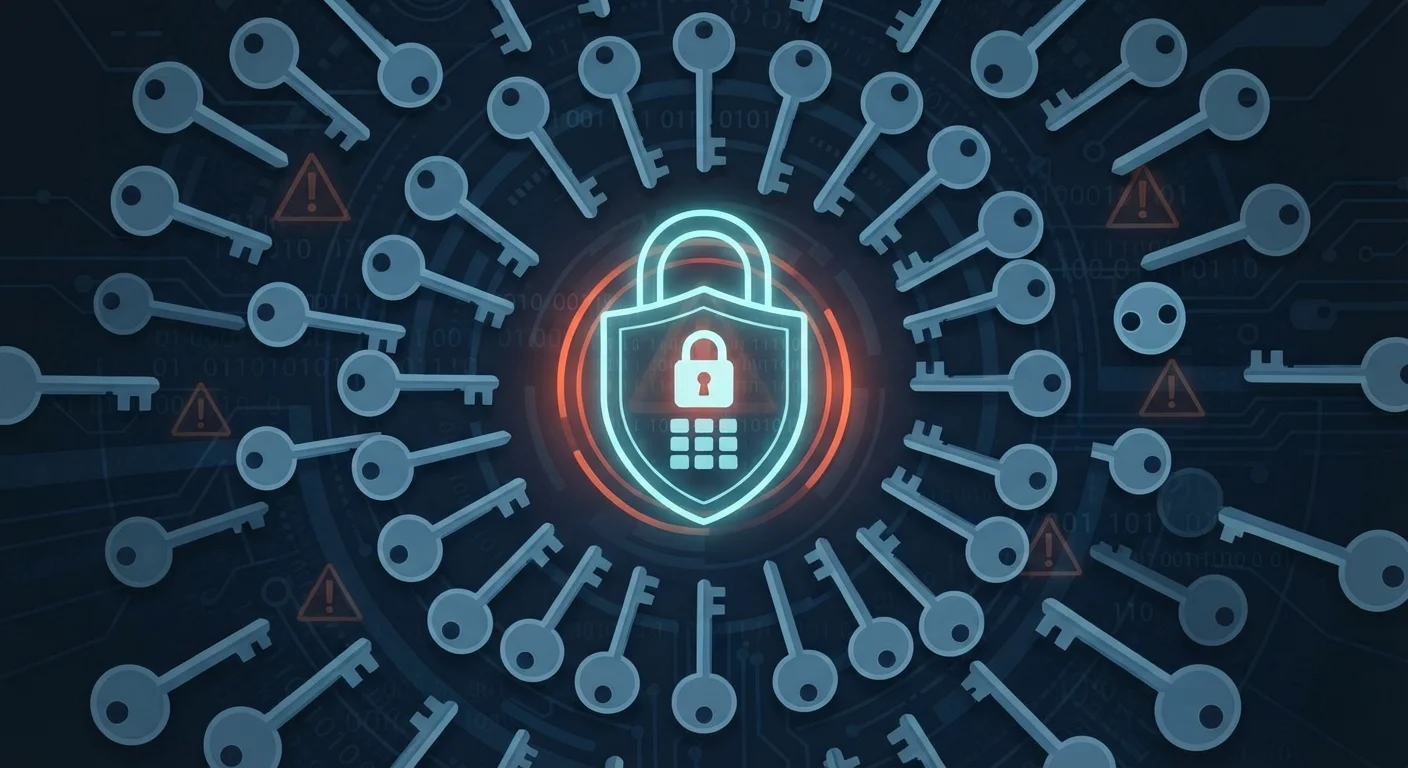
When a website suffers a data breach, usernames and passwords are often leaked onto underground forums within hours. Attackers don't need to hack you specifically - they simply take those stolen credentials and run them automatically against hundreds of other sites. This technique is called credential stuffing, and it works precisely because password reuse is so widespread.
The logic is straightforward: if your email and password from a breached fitness app are the same as your bank login, an attacker who paid a few dollars for a stolen database now has access to your finances. The breach wasn't your bank's fault. It was the shared password that created the bridge.
Security researchers consistently find that a significant portion of leaked credentials match active logins on unrelated platforms. That's not a coincidence - it's a reflection of how humans naturally handle the burden of remembering dozens of passwords. Convenience becomes risk the moment any one of those sites is compromised. For a broader look at everyday digital vulnerabilities, see our guide to public Wi-Fi risks.
Using the same password across multiple accounts, especially for email, banking, or social media.
Why it happens: Memorizing dozens of unique, complex passwords is genuinely difficult. Most people default to one or two memorable passwords rather than managing separate ones.
Creating "variations" of a base password - such as adding a number or symbol at the end - and treating these as meaningfully different.
Why it happens: It feels like a compromise between security and memorability. Users assume small changes make passwords distinct enough to be safe.
Ignoring breach notification emails from services you use, assuming the impact is limited.
Why it happens: Breach notices are easy to dismiss as routine corporate communications, especially when the breached site seems unimportant.
Relying solely on a password - even a strong, unique one - without enabling two-factor authentication on critical accounts.
Why it happens: Passwords feel sufficient, and adding a second step seems inconvenient. Many users don't realize how quickly stolen passwords can be exploited.
Storing passwords in plain text - such as in a notes app, spreadsheet, or sticky note - as a memory aid.
Why it happens: People need a way to keep track of passwords and reach for whatever is closest and easiest, without considering what happens if that device or document is accessed by someone else.
Practical Steps That Actually Protect You
The most effective fix is also the most straightforward: use a different, randomly generated password for every account. Password managers - software applications that generate and store complex credentials - make this genuinely feasible. You remember one strong master password; the manager handles everything else. Most work across devices and browsers, and many offer free tiers with full core functionality.
80%+
Of breaches involve stolen or weak credentials
Verizon's Data Breach Investigations Report has consistently found that compromised credentials are involved in the majority of confirmed data breaches across industries.
15 billion
Stolen credentials available on dark web forums
Digital Shadows (now ReliaQuest) estimated more than 15 billion stolen usernames and passwords were circulating on criminal forums, reflecting years of accumulated breach data.
Beyond unique passwords, adding a second layer of verification to your most important accounts makes a substantial difference. Even if an attacker obtains your password, they still can't log in without also passing the second factor - typically a code sent to your phone or generated by an authenticator app. Our article on two-factor authentication explains exactly how this works and which accounts to prioritize first.
You can also check your exposure proactively. Services like Have I Been Pwned (haveibeenpwned.com) allow you to enter your email address and see whether it has appeared in any publicly known data breaches - no account required. If your address shows up, treat every password associated with that email as compromised and change them. It's also worth understanding how browser-saved passwords interact with security, since convenience features can introduce their own vulnerabilities.
Your Email Account Is the Master Key
If an attacker gains access to your primary email account, they can trigger password resets on virtually every other account linked to that address. This makes your email login the single most important credential to protect with both a unique, strong password and two-factor authentication. Treat any breach involving your email address as a high-priority emergency requiring immediate action across all connected accounts.