
Understanding Software Updates: Why Skipping Them Carries More Risk Than Most People Realize

Key Takeaways
- Security patches close specific vulnerabilities that attackers actively exploit after a flaw is publicly disclosed.
- Delaying updates creates a widening window of known, exploitable exposure on your devices.
- Most updates take only minutes and can be scheduled to avoid interrupting your day.
- Outdated software is one of the most common entry points in consumer-level cybersecurity incidents.
- Updates also deliver stability and performance improvements beyond just security fixes.
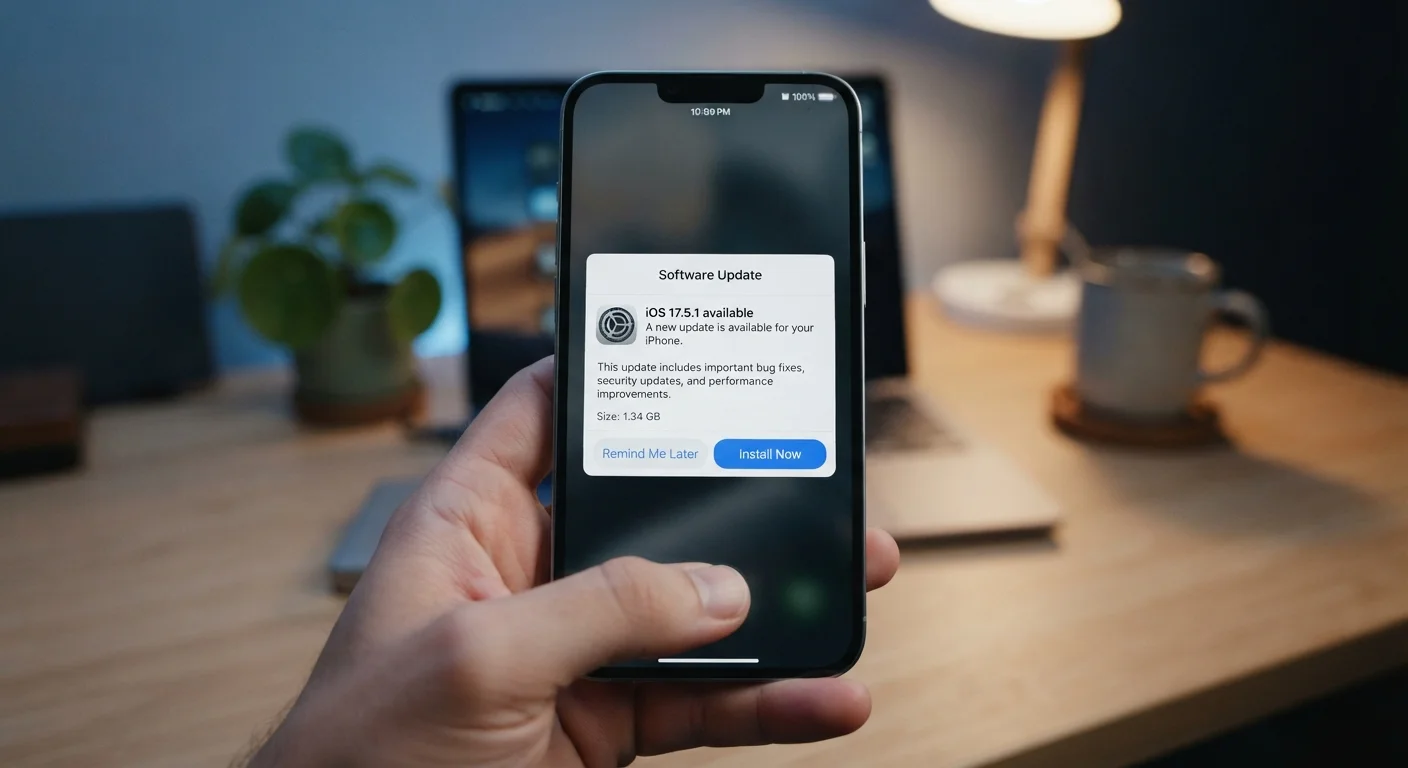
Software Update
A software update is a package of code changes delivered by a developer to replace or improve an existing version of an app, operating system, or firmware. Updates can fix bugs, patch security vulnerabilities, improve performance, or add new features. They apply to everything from your phone's operating system to the app on your smart TV.
Security-focused updates are often called patches; larger updates that overhaul core functionality are called major releases. Both categories can contain critical vulnerability fixes.
What a Software Update Actually Contains
Most people think of software updates as minor housekeeping - a new emoji set or a slightly redesigned menu. In reality, the majority of updates, especially frequent small ones, address security vulnerabilities: specific flaws in code that an attacker could exploit to access data, take control of a device, or install malware.
When a security researcher or hacker discovers a flaw, developers race to write a fix before it can be widely exploited. That fix gets bundled into an update. Once the update is released, the vulnerability is also effectively published - security disclosures describe exactly what was wrong. Devices that haven't applied the patch become knowable targets.
Beyond security, updates also resolve software bugs that cause crashes or data loss, improve battery efficiency, patch compatibility issues with other apps, and occasionally add features. Understanding this fuller picture helps clarify why the notification deserves more than a reflexive tap on "Remind Me Later."
Security Patches vs. Feature Updates
Not all updates are equal in urgency. A patch labeled as a security update addresses specific vulnerabilities and warrants prompt installation. A major version update (like a new OS release) may include feature changes you want to read about first. Distinguishing between the two helps you prioritize without feeling like every notification is equally critical.
Why Delay Compounds the Risk
There's a compounding effect to skipping updates that isn't always intuitive. Each deferred patch leaves a gap. Over weeks or months, those gaps stack - and attackers don't need all of them, just one that works.
60%
Share of breaches tied to unpatched vulnerabilities
Security industry analyses consistently find that a majority of successful breaches exploit known vulnerabilities for which patches were already available at the time of the incident.
15 days
Average time attackers begin exploiting a disclosed flaw
Research from cybersecurity organizations suggests that active exploitation of newly disclosed vulnerabilities often begins within two weeks of public disclosure.
The pattern mirrors problems seen in other domains. Just as putting off routine vehicle maintenance tends to transform small issues into costlier failures - a dynamic explored in our piece on deferred maintenance costs - skipping software updates allows small vulnerabilities to compound into significant exposure.
Outdated software also erodes trust between your device and the broader ecosystem. Some services require a minimum OS or app version for good reason: older versions may transmit data in ways that modern security protocols no longer accept as safe.
Which Devices and Apps Deserve Priority
Not every blinking update badge carries equal urgency, but some categories consistently warrant fast action:
- Operating systems (iOS, Android, Windows, macOS) - these underpin everything else on your device.
- Browsers - your primary interface with untrusted content from the internet.
- Email and messaging apps - frequent targets because they handle sensitive communications and attachments.
- Security and authentication apps - password managers, authenticator apps, and VPN clients.
Smart home devices and routers are easy to overlook but matter considerably. A router running outdated firmware can expose every device on your home network simultaneously. It's worth checking your router manufacturer's support page periodically for firmware updates.
For connected gadgets specifically, it's also worth understanding that manufacturers sometimes use updates to change device behavior after purchase. Our overview of how manufacturers use updates to alter gadget behavior covers what to expect and how to stay informed.
Set Updates to Install Overnight
On both iOS and Android, you can enable automatic updates and set a preferred installation window - typically overnight while the device charges. On Windows, the Active Hours setting prevents restarts during your work day. Configuring this once removes the friction that leads most people to defer updates indefinitely.
Managing Updates Without the Disruption
The most common reason people delay updates is the inconvenience of restarts and downtime. The good news is that most platforms now support background installation with restarts scheduled for overnight hours - meaning the update is done before you pick up your phone in the morning.
Enabling automatic updates is the most reliable strategy for the majority of users. It removes the decision from the equation entirely. For those who prefer visibility before applying changes, a practical middle ground is reviewing update release notes before approving - most major platforms surface these in the update prompt itself.
Using your devices on public networks also raises the stakes of running outdated software. Our guide to what's actually risky on public Wi-Fi explains why an unpatched device is more vulnerable in shared network environments, and what precautions genuinely help.
“Patching is the single most effective action an organization - or an individual - can take to reduce their attack surface. The majority of successful attacks exploit vulnerabilities that already have fixes available.”
— Cybersecurity and Infrastructure Security Agency (CISA), U.S. federal agency responsible for national cybersecurity guidance
The bottom line: treating software updates as optional maintenance understates what they actually do. They are the primary mechanism through which developers close known doors that attackers are actively trying to open.