

Key Takeaways
- Manufacturers can legally alter device behavior after purchase through software updates.
- Updates may add new features, remove existing ones, or adjust hardware performance limits.
- Security patches and feature removals can arrive in the same update package.
- Reviewing a device's update history and EULA terms helps consumers set realistic expectations.
- Disabling automatic updates carries its own risks, including unpatched security vulnerabilities.
Post-Sale Software Modification
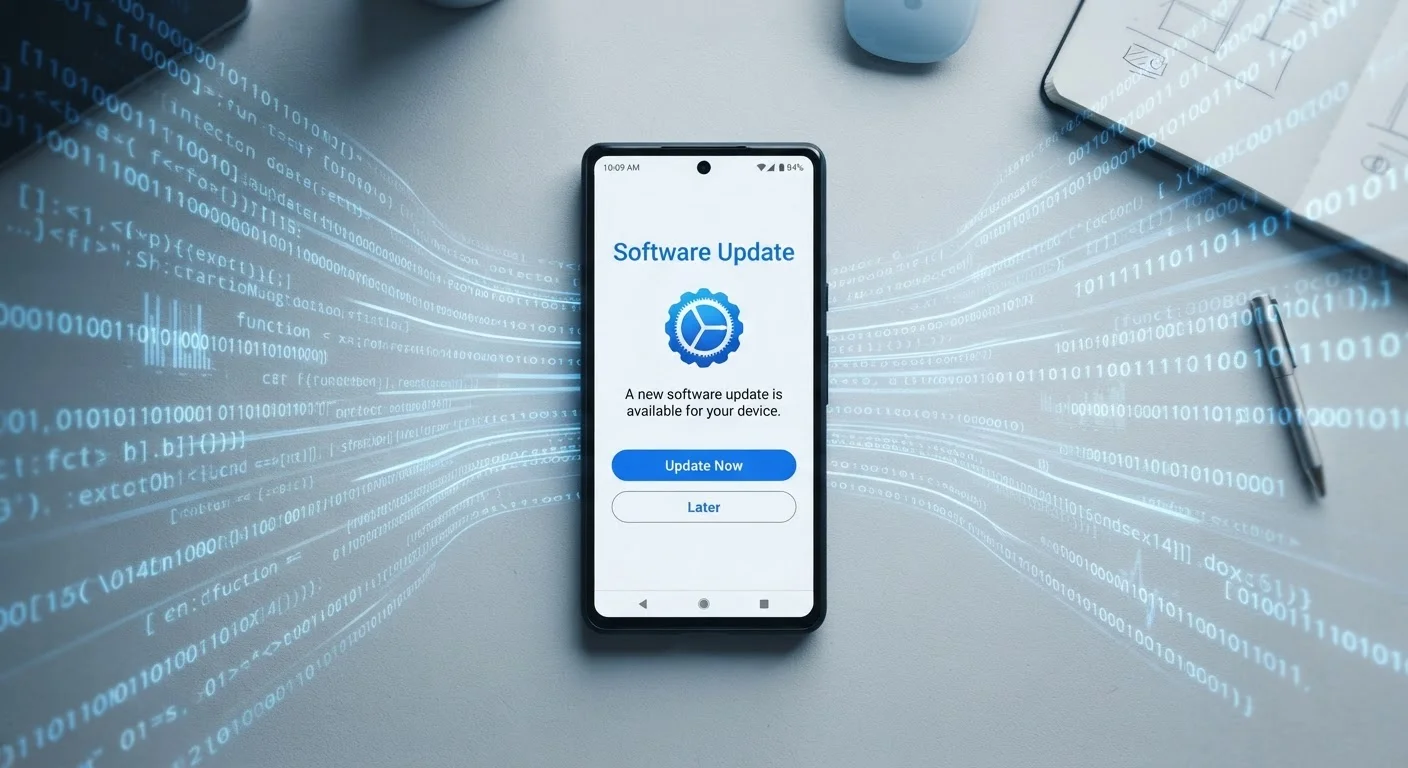
Post-sale software modification refers to the ability of manufacturers to alter how a device behaves after you've purchased it, through remote software updates delivered over the internet. These updates can improve security, add features, change existing capabilities, or even remove functionality - all without physically touching your device. Because modern gadgets are essentially computers running software, their behavior is never truly fixed at the moment of purchase.
Manufacturers typically retain the right to push these updates under the terms of a device's End User License Agreement (EULA), which governs the software running on hardware you own.
What Manufacturers Can Actually Change Remotely
When you buy a connected gadget today, you're not purchasing a static product. You're acquiring hardware paired with software that a manufacturer can continue to shape long after the transaction is complete. The range of what's changeable is broader than most consumers expect.
Updates can adjust performance limits - such as battery charging thresholds or processor speed caps. They can introduce entirely new interface features, modify how existing ones work, or retire features that were present at launch. Privacy-related defaults, data-sharing behaviors, and even which third-party services a device supports can all shift through a single update.
Security patches represent the clearest benefit of this system. Vulnerabilities discovered after a product ships can be closed remotely, protecting consumers without requiring a recall. Skipping updates carries real risk, which is why the system exists - but the same delivery mechanism enables less consumer-friendly changes too.
End User License Agreements Set the Rules
The EULA accompanying your device's software is the legal document that defines what a manufacturer can and cannot do after sale. Most consumers accept these agreements without reading them. While EULAs cannot override applicable consumer protection laws, they typically grant manufacturers broad latitude to modify, update, or discontinue software features. Understanding this baseline helps set realistic expectations about device ownership.
Feature Additions, Reductions, and the Gray Area Between
Not all post-sale changes are equal, and consumers benefit from understanding the spectrum. On one end, a manufacturer might enable hardware capabilities that were physically present but software-locked at launch - effectively unlocking value in the device you already own. On the other end, a manufacturer might disable a feature due to a licensing dispute, a regulatory requirement, or a strategic business decision.
Feature removals tied to subscription models represent a growing pattern. As gadget subscriptions reshape the electronics market, manufacturers increasingly gate capabilities behind ongoing payments. A feature once included in a purchase price may migrate to a paid tier in a later update.
Performance-related changes occupy a gray area. Throttling a processor to extend battery life or protect aging battery cells may be technically defensible, but when such changes aren't clearly disclosed, they erode consumer trust. Regulatory scrutiny in several countries has pushed manufacturers toward greater transparency in these cases, though disclosure practices still vary.
Read Release Notes Before Major Updates Install
Most operating systems allow you to view release notes before approving a major update. Take 60 seconds to scan them - manufacturer summaries are brief, but they often flag removed features or changed defaults. Third-party tech sites frequently publish more detailed breakdowns within hours of a major update's release, which can be worth checking for significant system versions.
How to Stay Informed and Maintain Some Control
Consumers aren't powerless in this dynamic, but staying informed requires deliberate habits. Before a major update installs, checking the official release notes - however brief - is the minimum. Manufacturer support pages, tech journalism, and community forums often surface what the official notes omit.
Reviewing privacy settings after any significant update is equally important. Key privacy settings can reset or change when new software versions install, sometimes reverting to defaults that share more data than a user previously configured.
For users who want to delay updates, most platforms allow a brief deferral window. This creates space to assess community feedback before installing - a useful buffer when a major update generates early controversy. However, indefinitely avoiding updates trades feature control for compounding security exposure, which is rarely a sound trade-off.
Understanding the EULA terms for your devices isn't glamorous, but it clarifies what rights you're agreeing to. The same logic applies to connected vehicles - over-the-air updates in EVs follow a similar framework with even higher stakes given the safety implications.
~80%
Smart device owners who enable automatic updates
Industry surveys consistently find a strong majority of connected device users leave automatic updates enabled, often without reviewing what each update changes.
6-8 years
Typical software support window for flagship smartphones
Major platform makers have extended software support commitments in recent years, meaning a single device may receive a decade of post-sale software changes before support ends.