

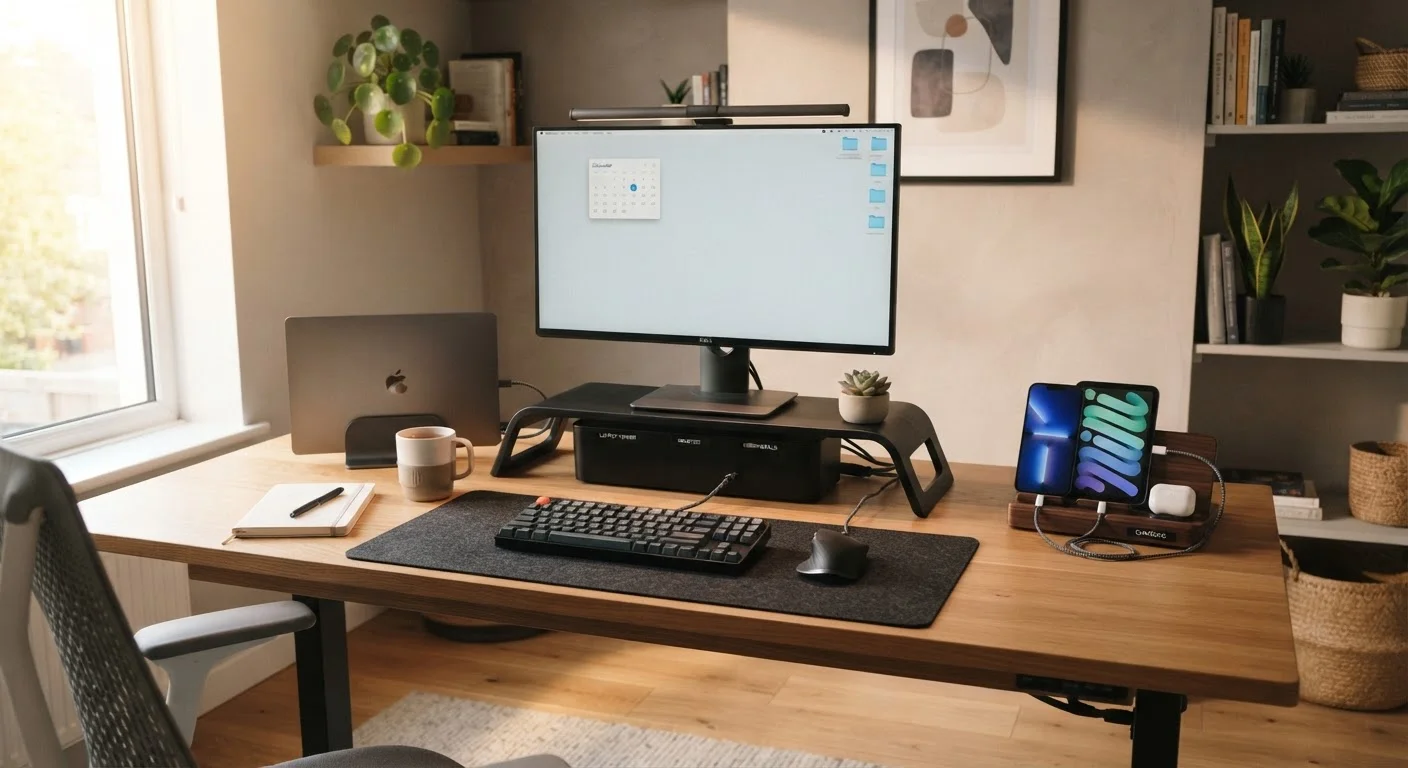
Key Takeaways
- Centralizing chargers into one dedicated station eliminates the daily hunt for cables and adapters.
- Labeling every cable at both ends saves significant time during setup, troubleshooting, and rearrangements.
- A simple device inventory helps households avoid redundant purchases and forgotten subscriptions.
- Wireless solutions and smart power strips can dramatically reduce visible cable clutter.
- Consistent Wi-Fi naming and network organization keeps connectivity predictable for all household members.
Why Multi-Device Homes Get Chaotic
The average US household now operates somewhere between five and fifteen connected devices - phones, tablets, laptops, streaming sticks, smart speakers, gaming controllers, and more. Each one arrives with its own charger, cable, remote, or adapter, and without a system, the accumulation becomes genuinely unmanageable.
The chaos isn't just aesthetic. Tangled cords create tripping hazards, mislabeled chargers get plugged into the wrong devices, and forgotten gadgets drain electricity without providing value. If you're building out a connected home for the first time, our introduction to smart home devices is a useful starting point before adding more hardware to the mix.
Getting organized doesn't require expensive solutions - it requires consistent habits and a small amount of upfront planning.
Best Practices for Cable and Charging Management
Cables are the core of the problem for most households. These practices address the physical reality of managing them.
Create a single dedicated charging station for all household devices.
When chargers are scattered across rooms, family members constantly move them, and cables end up in the wrong place. A centralized station means everyone knows where to find a charger and where to return it.
Label every cable at both ends using cable tags or colored tape.
Unlabeled cables behind a TV stand or media console become indistinguishable within weeks. Labeling both ends makes it possible to unplug the right device confidently, even in a dark or cramped space.
Use a smart power strip with individual outlet control to manage device power.
Many devices draw power even when idle, a phenomenon known as standby or phantom load. Smart strips let you cut power to unused devices in groups without unplugging them individually.
Consolidate remotes by identifying which ones are truly necessary.
A typical living room can accumulate four to six remotes, most of which duplicate functions. Identifying the one or two that cover essential controls reduces visual clutter and the frustration of searching.
Route and bundle cables along walls or furniture edges using adhesive clips.
Free-hanging cables are not only unsightly - they accumulate dust, snag on furniture, and create tripping risks. Routed cables are easier to clean around and significantly reduce physical hazards.
For households that have already moved away from traditional TV, the streaming setup guide covers how to consolidate entertainment devices specifically.
Quick Actions You Can Take Today
You don't need a full weekend project to make meaningful progress. Start with these high-impact moves.
Assign One Spot, Keep It Permanent
The most effective organizational systems work because they're automatic - not because they require daily decisions. Assigning a fixed home to every device and its charger removes the need to think about where things belong. Consistency matters more than perfection: a simple, permanent spot beats an elaborate system that gets abandoned within a week.
Keeping Your Digital Layer Organized Too
Physical organization is only half the equation. A household running multiple devices also needs consistent digital habits to avoid confusion.
~25
Connected devices per US household on average
According to Deloitte's Digital Media Trends survey, US households have steadily increased their connected device count year over year.
10%
Of home electricity use from idle electronics
The US Department of Energy estimates that standby power from idle devices can account for roughly 10% of a home's electricity bill.
Shared family accounts, synced calendars, and consistent Wi-Fi network naming all reduce the friction that builds up across multiple users and devices. When syncing stops working - a common frustration - our article on why syncing breaks and how to fix it walks through a logical troubleshooting sequence.
It's also worth keeping a simple device inventory - a shared note or spreadsheet listing every device in the home, its purpose, its charger type, and any subscription attached to it. This single document prevents duplicate purchases and makes it easy to audit what you're actually using. For managing the subscription side of things, strategies for managing multiple streaming subscriptions can help you keep recurring costs in check.
Keeping your files and folders organized follows similar logic. A consistent approach to organizing your digital file system means less time searching across devices for the same document.
Privacy Consideration for Shared Networks
If your household includes guests or smart home devices, consider setting up a separate guest Wi-Fi network for visitors and a dedicated IoT (Internet of Things) network for smart gadgets. This limits the exposure of personal devices if a guest's device carries malware, and is a standard practice recommended by consumer security guidance. Most modern routers support this through their settings interface.