

Key Takeaways
- Outdated apps and firmware are a leading cause of unexpected streaming performance drops.
- Cluttered watchlists and shared profiles can confuse recommendation algorithms and slow navigation.
- Network settings and DNS configurations often go unchecked despite their major impact on video quality.
- Cached data buildup on streaming apps can cause playback errors and UI slowdowns.
- Ignoring audio output settings means many viewers miss out on the quality their setup supports.
Why Small Habits Create Big Streaming Problems
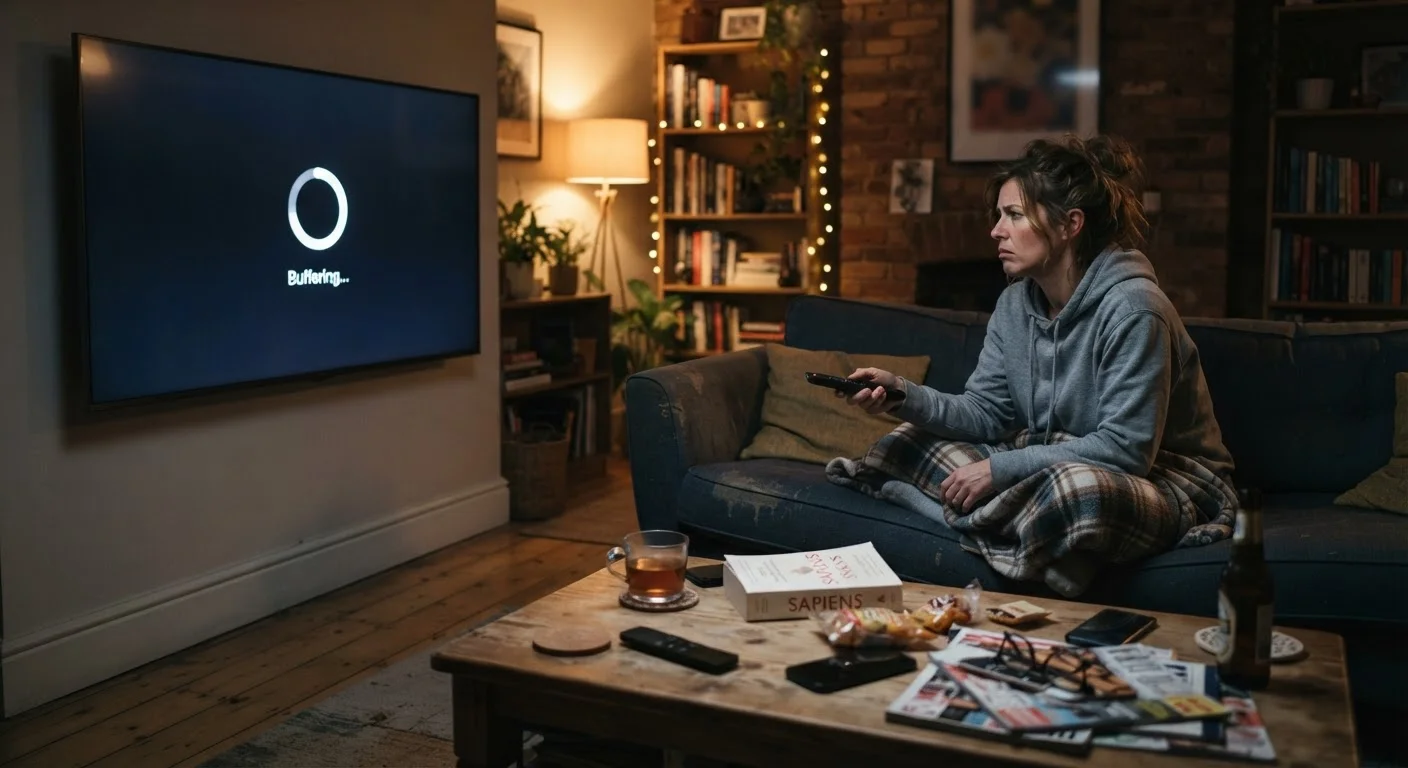
Streaming feels effortless until it doesn't. A show buffers at the worst moment, recommendations feel totally off, or the picture looks softer than it should on a TV you know can handle 4K. These aren't random glitches - they're usually the compounded result of small oversights that built up quietly over time.
Unlike a cable box that either works or doesn't, streaming setups involve layered variables: app software, device firmware, network routing, account profiles, and audio-video output configuration. Each layer degrades independently, and most of us only notice when something goes obviously wrong. The fixes, though, are almost always straightforward once you know where to look.
Running outdated app or device firmware versions without realizing it.
Why it happens: Streaming apps update silently on some devices but require manual action on others - most viewers simply never check.
Letting cached data accumulate inside streaming apps indefinitely.
Why it happens: App caches build up invisibly over weeks and months, and nothing prompts the viewer to clear them.
Using a single profile for multiple household members with different tastes.
Why it happens: Setting up separate profiles feels like extra effort, so families default to one shared account.
Ignoring audio output settings and defaulting to whatever the app picked automatically.
Why it happens: Audio configuration menus are buried in settings most viewers open once during setup and never revisit.
Leaving video quality set to "Auto" without understanding what that means on a constrained connection.
Why it happens: Auto is the default and sounds like the smart choice, but it prioritizes uninterrupted playback over resolution - often landing well below 1080p.
Never auditing which streaming subscriptions are active and overlapping in content.
Why it happens: Subscriptions are easy to forget, especially when bundled through carriers or annual plans.
The Device and Network Layer Most Viewers Ignore
Your streaming device and home network do the heavy lifting that no app can compensate for. Even a well-configured streaming service delivers a poor experience if the underlying hardware or network is struggling.
Don't Overlook Your Home Network
Most streaming problems that feel like platform issues are actually rooted in home network configuration. Before adjusting any app settings, verify your router firmware is current and that your streaming device is connected on the optimal frequency band. Our guide on setting up your home network for streaming covers this in depth.
One underappreciated issue is DNS configuration. Most routers default to the ISP's DNS servers, which can be slower and less reliable than alternatives. Switching to a faster public DNS can reduce the time it takes for streaming services to resolve their servers - a small change with a noticeable effect on startup time and reliability. This falls into the same category of invisible degradation covered in our look at why devices slow down over time.
It's also worth considering when streaming is the right call at all. For spotty connections or travel situations, downloading content in advance is often smarter - our breakdown of when offline viewing makes sense walks through exactly that decision.
72%
Viewers who never manually check app update status
Industry UX research consistently shows that most streaming device users rely entirely on automatic updates and rarely verify software currency themselves.
4-6 weeks
Typical cache buildup cycle in streaming apps
Device manufacturers generally recommend clearing streaming app caches every one to two months to maintain stable playback performance.