

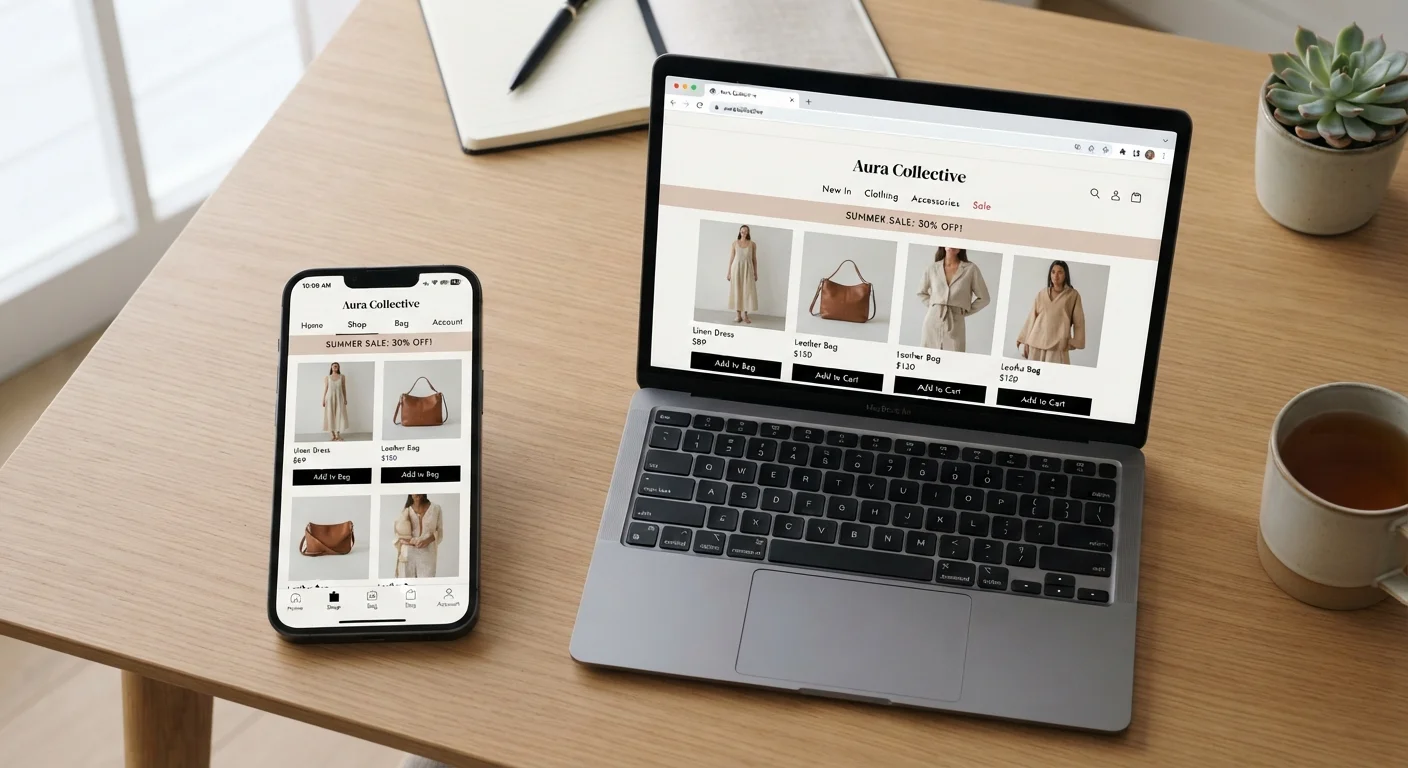
Key Takeaways
- Retailer apps often unlock exclusive discounts and loyalty perks not available on the mobile web.
- Apps collect significantly more device data than mobile browsers, raising valid privacy considerations.
- Mobile browsers require no storage and let you comparison-shop across stores more easily.
- App performance is generally faster and more reliable on slower mobile connections.
- The right channel depends on how frequently you shop a particular retailer.
Faster checkout with saved payment and address data
Apps retain payment credentials and shipping addresses persistently, eliminating repeated form-filling. For repeat shoppers, this can reduce checkout time substantially compared to mobile browser sessions.
App-exclusive discounts and early access deals
Many retailers reserve promotional codes, flash sales, or early product drops specifically for app users as an incentive to install. These offers are generally not available to browser shoppers on the same visit.
Seamless loyalty program integration
Points, rewards tiers, and digital coupons are typically built directly into the app experience, so they apply automatically at checkout rather than requiring a separate lookup or manual entry.
Better performance on slower mobile connections
Apps cache assets locally, meaning core interface elements load from device storage rather than over the network. This gives apps a noticeable speed edge on spotty cellular connections.
Real-time push notifications for orders and restocks
Shipping updates, delivery confirmations, and back-in-stock alerts arrive as push notifications, which many users find more timely and visible than email or browser notifications.
Broader data permissions than a mobile browser
Installed apps can request access to location, contacts, camera, and device identifiers - often beyond what the shopping function actually requires. Mobile browsers operate within a more constrained permission model by default.
Storage and battery consumption on your device
Each app occupies storage and may run background processes that drain battery. On older or lower-storage devices, accumulating retail apps creates meaningful resource pressure.
Makes comparison shopping harder
An app experience is self-contained by design, which discourages leaving to check a competitor's price. Shoppers in apps tend to stay within that retailer's ecosystem rather than verifying they're getting a fair price.
Notification fatigue from promotional push alerts
Retailers often default to aggressive push notification settings. Unless carefully managed, app notifications quickly become promotional noise that's difficult to distinguish from genuine order updates.
Requires installation and periodic updates
Apps must be downloaded, occasionally updated, and may require account creation before browsing. For one-time or infrequent purchases, this setup cost rarely pays off.
Our Verdict
Brand apps deliver genuine advantages for frequent shoppers - smoother performance, loyalty integration, and app-exclusive pricing. But for occasional or privacy-conscious shoppers, a mobile browser offers comparable functionality without the storage footprint or expanded data permissions. Neither channel is universally superior; the better choice comes down to how often you return to a specific retailer and how much you value convenience versus control.
Brand apps are best suited to loyal, repeat customers who regularly shop a single retailer and want seamless checkout and rewards access; mobile browsers are better for one-time or infrequent purchases.
Why Retailers Are Pushing Their Own Apps
Walk through any checkout - physical or digital - and you'll encounter some version of the same pitch: download our app for a better experience. Retailers have strong financial incentives to move shoppers off third-party browsers and onto proprietary apps. On the web, customers can open three competitor tabs in 30 seconds. Inside an app, that friction largely disappears.
Apps also enable richer data collection. Where a mobile browser session gives a retailer limited behavioral signals, an installed app can - with user permission - access location history, device identifiers, notification preferences, and more. For retailers, that data improves targeting. For shoppers, it's a meaningful tradeoff worth understanding before you tap "Install." For a broader look at how digital retail environments are evolving, see how shopping has moved inside social feeds.
The Real Advantages of Shopping Through an App
When the advantages are genuine, they're worth acknowledging.
Faster checkout with saved payment and address data
Apps retain payment credentials and shipping addresses persistently, eliminating repeated form-filling. For repeat shoppers, this can reduce checkout time substantially compared to mobile browser sessions.
App-exclusive discounts and early access deals
Many retailers reserve promotional codes, flash sales, or early product drops specifically for app users as an incentive to install. These offers are generally not available to browser shoppers on the same visit.
Seamless loyalty program integration
Points, rewards tiers, and digital coupons are typically built directly into the app experience, so they apply automatically at checkout rather than requiring a separate lookup or manual entry.
Better performance on slower mobile connections
Apps cache assets locally, meaning core interface elements load from device storage rather than over the network. This gives apps a noticeable speed edge on spotty cellular connections.
Real-time push notifications for orders and restocks
Shipping updates, delivery confirmations, and back-in-stock alerts arrive as push notifications, which many users find more timely and visible than email or browser notifications.
54%
Share of e-commerce traffic from mobile devices
Statista data tracking mobile commerce trends indicates more than half of online retail visits now originate from smartphones, making the app-vs-browser choice relevant to the majority of shoppers.
3-4×
Higher conversion rate in apps vs. mobile browsers
Industry research from Criteo and similar analytics providers has consistently found retail apps convert visitors to buyers at significantly higher rates than mobile web sessions, a key driver of retailer investment in apps.
Beyond speed, apps shine in continuity. Your cart, saved addresses, and payment methods persist across sessions without relying on browser cookies that expire or get cleared. Loyalty programs are typically integrated directly, so points accrue automatically rather than requiring a separate login step. Push notifications, while easy to overdo, can surface order updates and shipping changes without you needing to check email.
Where Apps Fall Short
The app experience isn't without meaningful trade-offs.
Broader data permissions than a mobile browser
Installed apps can request access to location, contacts, camera, and device identifiers - often beyond what the shopping function actually requires. Mobile browsers operate within a more constrained permission model by default.
Storage and battery consumption on your device
Each app occupies storage and may run background processes that drain battery. On older or lower-storage devices, accumulating retail apps creates meaningful resource pressure.
Makes comparison shopping harder
An app experience is self-contained by design, which discourages leaving to check a competitor's price. Shoppers in apps tend to stay within that retailer's ecosystem rather than verifying they're getting a fair price.
Notification fatigue from promotional push alerts
Retailers often default to aggressive push notification settings. Unless carefully managed, app notifications quickly become promotional noise that's difficult to distinguish from genuine order updates.
Requires installation and periodic updates
Apps must be downloaded, occasionally updated, and may require account creation before browsing. For one-time or infrequent purchases, this setup cost rarely pays off.
Storage and battery consumption are real costs on older or budget devices. More significantly, each app you install represents an additional data-sharing relationship - and permissions are often bundled. Accepting camera access for barcode scanning, for instance, may come alongside location tracking that runs in the background. Understanding what apps can access that browsers cannot is useful context before deciding.
Check App Permissions Before Installing
When you install a retailer's app, review the permissions requested during setup rather than accepting defaults. On both Android and iOS, you can grant or revoke individual permissions - such as location or contacts access - through your device's settings after installation. Limiting permissions to only what the core shopping function requires is a straightforward way to reduce your data exposure without forgoing the app's convenience.
When the Mobile Browser Is the Smarter Choice
For shoppers who visit a retailer once or twice a year, installing a dedicated app rarely makes sense. A mobile browser offers a friction-free alternative: no download, no account required in many cases, and no persistent background processes. Browsers also make comparison shopping across retailers straightforward - switching tabs takes a second, while switching apps takes several.
Password managers and browser-stored payment credentials have narrowed the checkout-speed gap considerably. Many retailer mobile sites now load quickly and support guest checkout without requiring an account. If you're managing spending carefully, keeping purchases in a browser also makes it easier to review and reconcile - a habit that pairs well with the kind of tracking discussed in budgeting app guides.