

Key Takeaways
- Most households pay for at least one subscription they no longer actively use.
- Bank and credit card statements are the most reliable way to surface forgotten recurring charges.
- Categorizing subscriptions by type helps reveal where costs are concentrated.
- A clear usage threshold - such as once per month - makes keep-or-cancel decisions more objective.
- Annual subscriptions often go unnoticed because charges appear only once a year.
- Conducting a subscription audit every six months prevents costs from quietly accumulating again.
Summary
18 items · 30-60 minutes
Why Subscription Creep Happens
Subscription creep is the gradual accumulation of recurring charges that individually seem small but collectively represent a meaningful monthly expense. It happens for predictable reasons: a free trial converts to a paid plan without a prominent alert, a service you used heavily six months ago now sits idle, or a household member signed up for something under a shared card and everyone forgot about it.
The structure of subscription pricing works against easy oversight. Monthly charges are designed to feel low-friction - and that same low friction applies at renewal. Unlike a one-time purchase that prompts a deliberate decision, a subscription renews by default. The burden is on you to notice and act. That's exactly what this checklist is designed to help you do.
For a broader look at how streaming costs in particular accumulate over time, see our overview of subscription fatigue. If you're primarily focused on managing your finances through a structured budget review, a step-by-step spending audit may complement this checklist well.
Spreadsheet Application
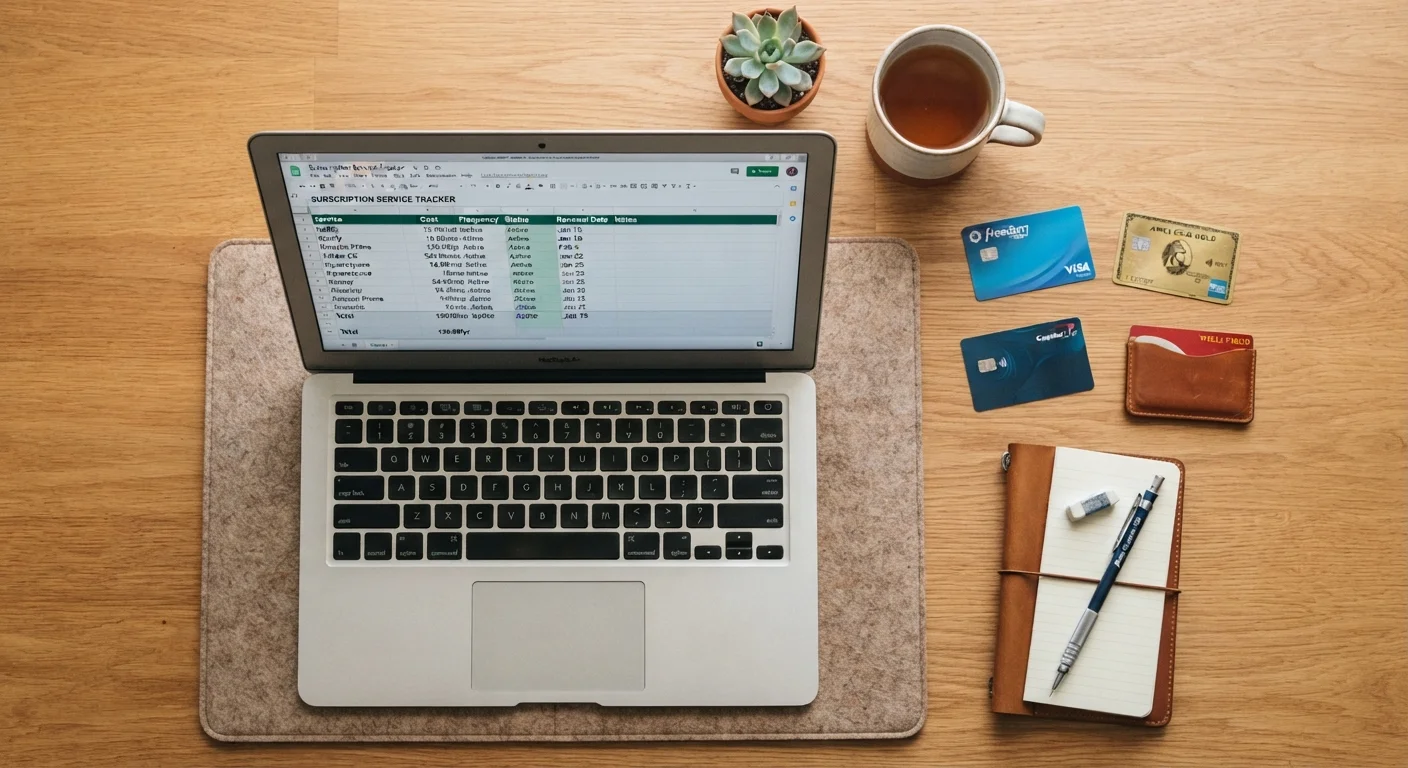
Build and maintain your subscription inventory with columns for service name, cost, billing frequency, and usage rating.
Bank or Credit Card Statement Portal
Access your transaction history to identify all recurring charges over the past three months.
Mobile App Store Subscription Manager
View and cancel app-based subscriptions billed through Apple App Store or Google Play from a single screen.
Email Search
Surface subscription receipts and renewal notices by searching your inbox for keywords like 'receipt,' 'subscription,' and 'renewal.'
Digital Wallet Account (e.g., PayPal)
Review recurring authorized payments that may not appear on your standard bank or credit card statement.
Calendar or Reminder App
Schedule a recurring six-month audit reminder so subscription creep does not silently rebuild over time.
How to Work Through This Checklist
Approach this audit in four stages: gather your records, build a complete inventory, evaluate real usage honestly, and then act on what you find. Skipping the first two stages - jumping straight to canceling services you remember - is the most common mistake. Forgotten subscriptions by definition don't come to mind easily; only your transaction records will surface them reliably.
Set aside 30 to 60 minutes in a single sitting. Splitting the task across multiple days allows momentum to fade before decisions are made. Work through the checklist groups below in order, completing each stage before moving to the next.
Annual Subscriptions Are Easy to Miss
Charges billed once a year often fall outside a typical 30-day statement review. Make sure to look at 12 months of transaction history - or at minimum search your email for annual renewal notices - to capture these. A single annual subscription can represent a significant lump-sum charge that's easy to overlook until it has already renewed.
Cancellation Doesn't Always Stop Billing Immediately
Some services continue access and billing until the end of the current billing period after cancellation is initiated. Always confirm the effective cancellation date and watch your next statement to verify the charge does not recur. If it does, contact the provider directly with your cancellation confirmation as documentation.
Once you've completed your first audit, the strategies for managing multiple subscriptions without overspending can help you build a sustainable structure going forward. For thinking through whether a specific service still justifies its cost, see the framework for evaluating whether a subscription is worth keeping.
Gather Your Records
Build Your Inventory
Evaluate Actual Usage
Make and Act on Decisions
Unrecognized Charges May Signal Fraud
If you find a recurring charge you cannot connect to any service you knowingly signed up for, treat it as a potential unauthorized transaction. Contact your bank or card issuer promptly - most have a limited dispute window. Do not simply cancel a card without first reporting the issue, as this may affect your credit history or complicate the dispute process.