

Key Takeaways
- Smart speakers use local, on-device processing to listen for wake words - they are not continuously uploading everything they hear.
- False activations do occur and can result in short audio clips being sent to servers without your intent.
- Most major platforms store voice recordings by default, but offer settings to review and delete them.
- Physical mute switches disconnect the microphone at the hardware level, offering stronger privacy guarantees than software-only controls.
- Smart displays, robot vacuums with mapping, and connected doorbells collect data beyond just audio.
- Reviewing privacy settings and understanding what each device collects puts meaningful control back in your hands.
Always-On Listening
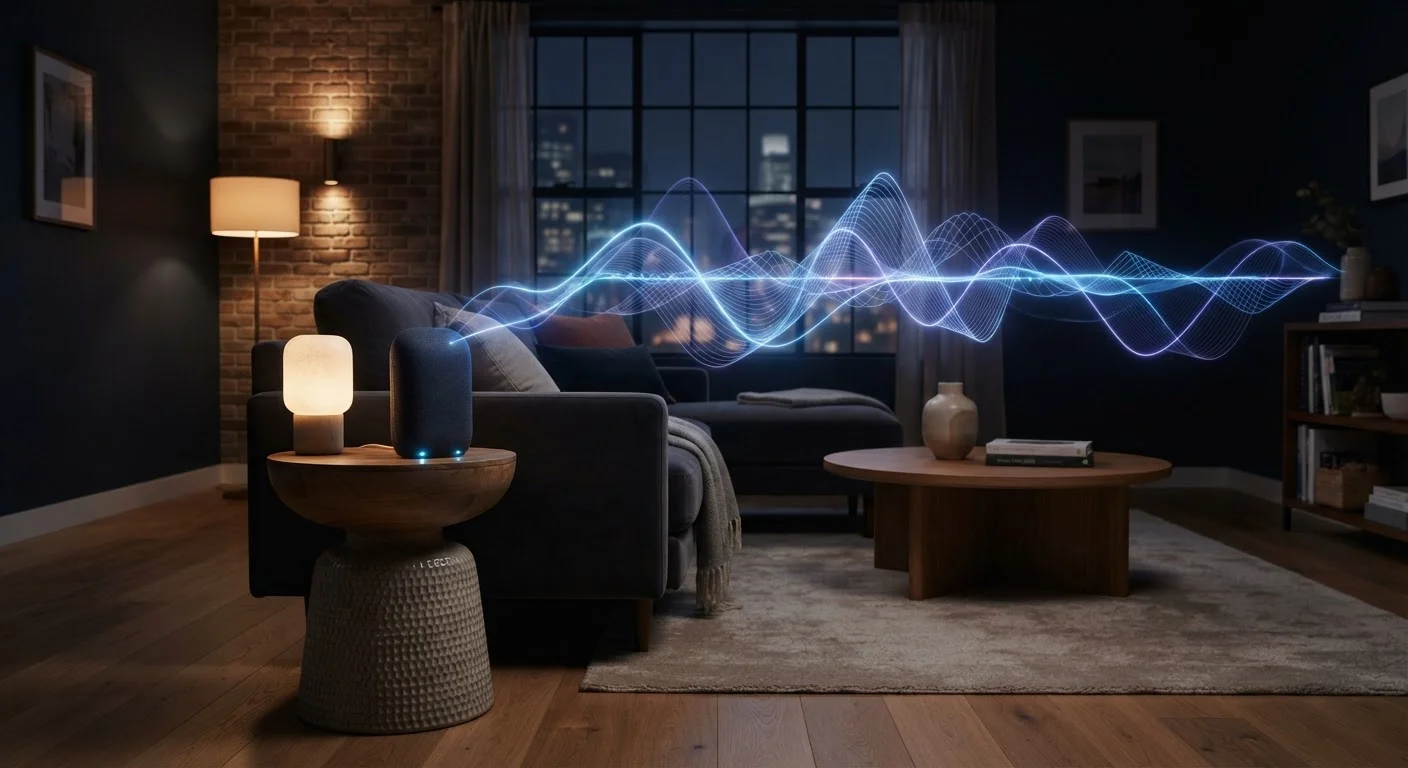
Always-on listening refers to the state in which a microphone-equipped device continuously processes ambient audio to detect a specific trigger phrase - commonly called a wake word. The device is not recording or transmitting audio in full; it is running a small, local detection model waiting for its cue. Once the wake word is recognized, the device shifts into an active listening mode and typically sends audio to a remote server for processing.
Local wake-word detection happens on-device using a lightweight neural network or pattern-matching algorithm. Full audio capture and cloud transmission generally begin only after the wake word is confirmed, though the exact implementation varies by manufacturer and firmware version.
How Wake Words Actually Work
The phrase "always listening" gets repeated so often that it has become shorthand for something more alarming than what is technically happening. Smart speakers and voice assistants do maintain an open microphone, but the audio they process locally is compared against a narrow acoustic pattern - the wake word - using on-device software. Nothing is transmitted until that pattern is matched.
Think of it like a motion-activated light: the sensor is always active, but it only triggers a response when specific conditions are met. The local detection model is intentionally small and limited. It cannot reliably transcribe general conversation - its only job is to identify a few syllables.
Once the wake word is detected, behavior changes significantly. The device begins capturing audio and sends it to the manufacturer's cloud servers for interpretation. That audio clip - your actual request - is processed remotely, a response is generated, and the result is returned to your device. This is why a fast internet connection matters for voice assistant responsiveness.
Mute When Not in Use
If you use your smart speaker primarily at certain times of day, engage the physical mute switch during periods when you don't need voice commands. This eliminates both intentional and unintentional audio capture without requiring you to unplug the device. Many people find it an easy habit to build alongside other routines like locking doors at night.
For a deeper look at how major voice assistants differ in their handling of requests and data, see how Siri, Alexa, and Google Assistant compare in practice.
The False Activation Problem
Wake-word detection is not perfect. Phrases that sound acoustically similar to a wake word - a TV dialogue, a family member's name, or background noise - can trigger the device unintentionally. When this happens, a short audio clip may be transmitted to the company's servers before the device realizes no valid command followed.
These false activations are a genuine privacy concern. Several major platforms have, at various times, employed human reviewers to listen to a subset of recordings to improve their speech models. Most platforms now allow users to opt out of this review process and to delete their stored voice history.
~1 in 5
US adults who own a smart speaker
Pew Research Center surveys conducted in recent years have consistently found smart speaker ownership in roughly this range among American adults, reflecting how mainstream these devices have become.
Seconds
Typical length of a false-activation clip
Industry disclosures and independent research suggest unintended recordings are generally short - often under ten seconds - though their content depends entirely on what was audible at the time.
The practical takeaway: assume that occasional unintended clips will be captured and consider what information might be audible near your device. Positioning smart speakers away from areas where sensitive conversations occur - a home office or bedroom - is a straightforward precaution.
For a broader examination of the trade-offs that come with always-on devices in the home, thinking through smart home privacy trade-offs offers a grounded perspective.
Beyond Audio: What Else Smart Home Devices Collect
Voice is only one dimension of smart home data collection. A connected doorbell captures video and, depending on settings, may share footage with third-party law enforcement networks. A robot vacuum with mapping capability builds a detailed floor plan of your home. A smart thermostat logs when you are home, when you leave, and your preferred temperature patterns - behavioral data that paints a surprisingly precise picture of daily life.
Smart displays add a camera to the microphone equation. Smart TVs operate a tracking system called Automatic Content Recognition (ACR) that samples on-screen content to infer what you watch, often regardless of whether you use the TV's built-in streaming apps. See what smart TVs typically collect and why for a detailed breakdown.
Each device category has its own data model, and most are governed by the manufacturer's privacy policy rather than a single consistent standard. Understanding what a device collects before you connect it is more effective than trying to manage data after the fact.
If you're newer to the smart home space, a ground-up introduction to smart home devices covers how these gadgets work and how to get started safely.
Practical Controls That Actually Help
Understanding the landscape makes the available controls more meaningful. Several adjustments offer genuine privacy benefit rather than just the appearance of control.
- Use the physical mute switch. A hardware mute disconnects the microphone circuit. This is more reliable than a software setting because it is not subject to software bugs or remote changes.
- Audit your voice history. Most platforms expose a settings page or companion app where stored recordings can be reviewed and deleted. Enabling automatic deletion on a rolling schedule - typically three or eighteen months - limits long-term accumulation.
- Disable features you don't use. Camera drop-in, always-on video, and ambient sound features extend the data collection surface. If you don't use them, turning them off reduces exposure.
- Check third-party permissions. Smart home ecosystems often allow third-party skills or integrations. Each one may have its own data practices. Removing unused integrations tightens the data footprint.
- Review app permissions. The companion app for any smart device typically requests permissions on your phone as well. understanding what app permissions actually grant can help you evaluate which ones to approve.
Privacy Policies Vary Significantly by Manufacturer
There is no single standard governing how smart home devices handle audio data in the United States. Each manufacturer sets its own retention periods, third-party sharing rules, and opt-out mechanisms. Reading the privacy policy for any new device before connecting it - particularly the sections on data sharing and retention - is the most direct way to understand what you are agreeing to. Regulation in this space continues to evolve at both the state and federal level.
For a comprehensive walkthrough of privacy settings across device categories, gadget privacy settings every user should know about covers microphones, cameras, location services, and ad identifiers in detail.