

Key Takeaways
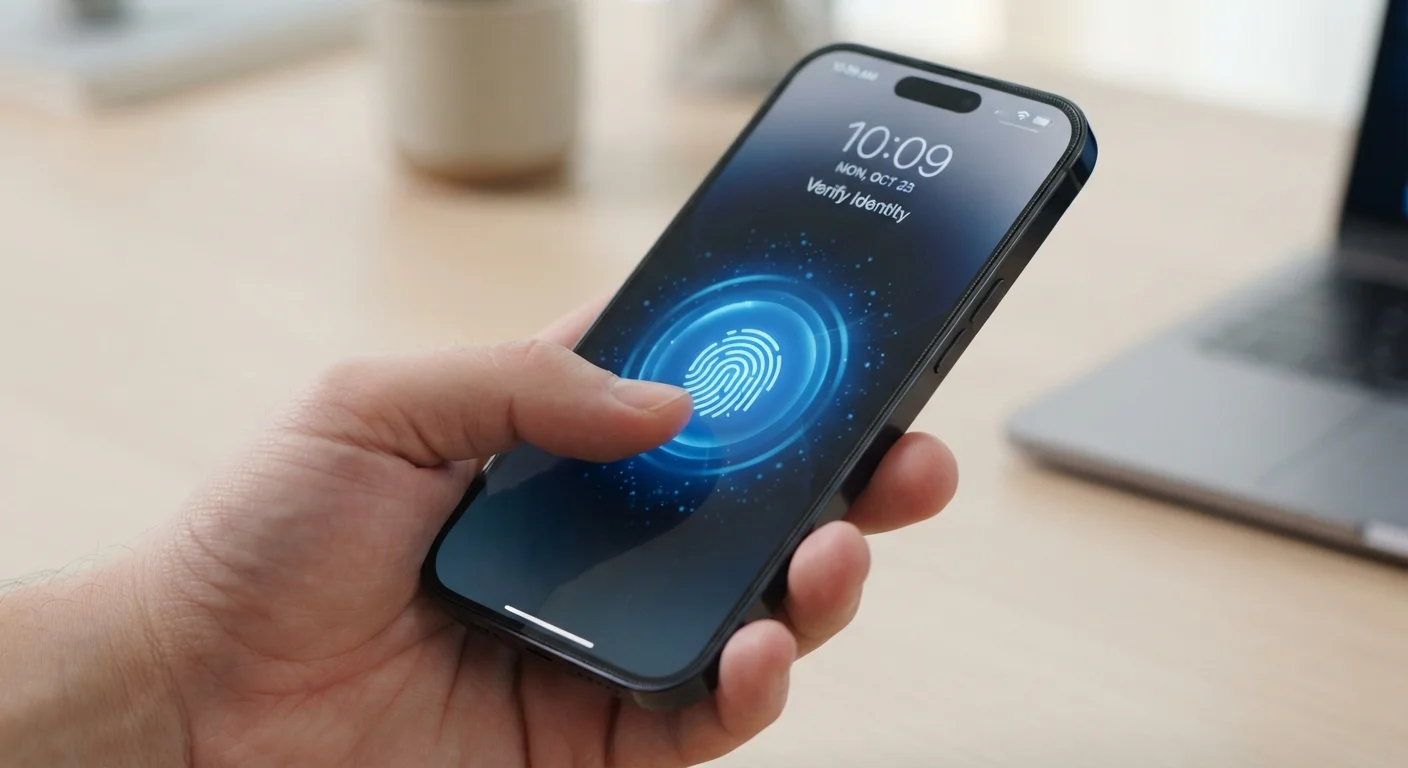
- Biometrics like fingerprints and facial recognition offer faster, password-free login experiences.
- Unlike passwords, compromised biometric data cannot simply be changed or reset.
- Most biometric systems store encrypted templates locally, not raw images of your face or fingerprint.
- Biometrics work best as one layer in a broader security strategy, not a standalone solution.
- Legal protections around biometric data collection vary widely by U.S. state.
Faster login without remembering passwords
Fingerprint and face unlock typically take under a second, eliminating the friction of typing credentials - especially useful on mobile devices.
Harder to replicate than a stolen password
Replicating a fingerprint or facial geometry remotely is significantly more difficult than obtaining a leaked password from a data breach database.
Reduces password reuse temptation
Because biometrics handle authentication automatically, users face less pressure to reuse simple passwords across accounts just to remember them.
On-device storage limits exposure
Major operating systems store biometric templates in a secure, isolated chip on the device itself, meaning the data rarely leaves your hardware.
Works even when you've forgotten credentials
Account lockouts caused by forgotten passwords are a common support burden; biometrics bypass this problem entirely for device-level access.
Compromised biometrics cannot be reset
Unlike a password, your fingerprint or facial geometry is permanent. A breach that exposes your biometric template creates a lifelong vulnerability.
Accuracy gaps affect some groups more than others
Peer-reviewed research has found higher error rates in certain facial recognition systems for darker-skinned individuals, raising fairness concerns in high-stakes deployments.
Legal protections remain inconsistent across U.S. states
Only a small number of states have enacted biometric privacy laws, leaving most consumers with limited legal recourse if their biometric data is misused.
Can be coerced in ways passwords cannot
A fingerprint or face can theoretically be compelled by a third party while a person is unconscious or under duress - a threat model that doesn't apply to memorized passwords.
Third-party collection carries higher risk
Biometrics collected by apps or retailers may not receive the same security protections as those managed by device operating systems, expanding the attack surface.
Our Verdict
Biometric authentication meaningfully raises the security floor for everyday device use while eliminating the friction of remembering complex passwords. The trade-offs - primarily around data permanence and varying legal protections - are real, but manageable with informed choices. As a layer in a broader security approach, biometrics offer genuine value for most consumers.
Everyday consumers who want stronger account security without the cognitive burden of managing multiple complex passwords, and who are comfortable reviewing app permissions and device privacy settings.
What Biometric Authentication Actually Is
Biometric authentication uses measurable physical or behavioral characteristics - fingerprints, facial geometry, iris patterns, or voice - to verify identity. Rather than asking what you know (a password) or what you have (a hardware token), it asks who you are.
Most modern smartphones use biometrics for device unlock, and the technology has expanded into banking apps, airport security, and workplace access systems. Understanding the basics helps you use these systems more deliberately - and recognize when you're trading one kind of risk for another.
It's worth noting that biometric systems don't store a photo of your face or an image of your fingerprint. They generate a mathematical template from those features and store that template, usually encrypted and on-device. The original biometric data typically isn't retained. This distinction matters when assessing privacy risk.
What 'On-Device Storage' Actually Means
When a device manufacturer says biometric data is stored 'on device,' they typically mean a dedicated security chip - sometimes called a Secure Enclave (Apple) or Trusted Execution Environment (Android) - handles all biometric processing in an isolated environment. Other apps and even the operating system cannot directly access this area. This architecture is meaningfully different from storing a photo or fingerprint image in a regular database, and it's a key reason why on-device biometrics are generally considered the safer implementation.
The Real Advantages
Faster login without remembering passwords
Fingerprint and face unlock typically take under a second, eliminating the friction of typing credentials - especially useful on mobile devices.
Harder to replicate than a stolen password
Replicating a fingerprint or facial geometry remotely is significantly more difficult than obtaining a leaked password from a data breach database.
Reduces password reuse temptation
Because biometrics handle authentication automatically, users face less pressure to reuse simple passwords across accounts just to remember them.
On-device storage limits exposure
Major operating systems store biometric templates in a secure, isolated chip on the device itself, meaning the data rarely leaves your hardware.
Works even when you've forgotten credentials
Account lockouts caused by forgotten passwords are a common support burden; biometrics bypass this problem entirely for device-level access.
The convenience argument for biometrics is straightforward: unlocking a device with a glance or a touch is faster and less error-prone than typing a password, especially on mobile. But the security case is also solid. Biometric traits are difficult to replicate without physical access to the person, which raises the bar significantly compared to stolen or guessed passwords. For context on how vulnerable password-only approaches can be, see why reused passwords are so risky.
Biometrics also scale well for people managing many accounts - they sidestep the temptation to reuse weak passwords simply because memorizing unique ones is hard.
The Genuine Risks
Compromised biometrics cannot be reset
Unlike a password, your fingerprint or facial geometry is permanent. A breach that exposes your biometric template creates a lifelong vulnerability.
Accuracy gaps affect some groups more than others
Peer-reviewed research has found higher error rates in certain facial recognition systems for darker-skinned individuals, raising fairness concerns in high-stakes deployments.
Legal protections remain inconsistent across U.S. states
Only a small number of states have enacted biometric privacy laws, leaving most consumers with limited legal recourse if their biometric data is misused.
Can be coerced in ways passwords cannot
A fingerprint or face can theoretically be compelled by a third party while a person is unconscious or under duress - a threat model that doesn't apply to memorized passwords.
Third-party collection carries higher risk
Biometrics collected by apps or retailers may not receive the same security protections as those managed by device operating systems, expanding the attack surface.
The most fundamental limitation of biometrics is permanence. If a password is compromised, you change it. If your fingerprint template is exposed in a data breach, that characteristic is yours for life - it can't be reset. This doesn't mean biometrics are inherently unsafe, but it does mean the stakes of a breach are qualitatively different.
There are also accuracy and equity concerns. Some facial recognition systems have shown higher error rates for people with darker skin tones, a finding documented in peer-reviewed research from institutions including MIT Media Lab. Errors in high-stakes contexts - like border control or law enforcement - carry serious consequences.
Privacy law has not kept pace with deployment. Only a handful of U.S. states have enacted biometric-specific privacy legislation. In most states, companies face few restrictions on collecting and sharing biometric data. If this concern resonates, it connects to broader questions about device-level data collection covered in what smart home devices are actually collecting.
Biometrics vs. Other Authentication Methods
Biometrics don't exist in a vacuum. They're most effective when layered with other verification methods. Many security experts recommend using biometrics alongside a PIN, password, or two-factor authentication rather than treating any single method as sufficient.
1.4B+
Smartphones with biometric capability shipped annually
Industry analyst estimates place biometric-enabled smartphone shipments above 1.4 billion units per year, reflecting near-ubiquitous adoption in consumer hardware.
~0.1%
False acceptance rate for modern fingerprint sensors
Consumer-grade fingerprint sensors typically target a false acceptance rate - incorrectly recognizing the wrong person - of around 0.1% or lower, per device manufacturer specifications.
Compared to browser-based password autofill - another convenience-focused approach - biometrics offer a fundamentally different risk profile. Autofill credentials can be extracted if a device is compromised; biometric templates are far harder to transfer or exploit remotely. For a direct comparison of those trade-offs, see autofill and saved passwords in your browser.
How to Use Biometrics More Thoughtfully
A few practical habits reduce risk without requiring you to abandon biometric convenience:
- Review app permissions. Not every app that requests biometric access has a legitimate need for it. Audit which apps have been granted this access in your device settings.
- Use a strong backup PIN or password. Biometric systems always have a fallback - make sure yours isn't easy to guess, since it's the route an attacker would take if biometrics fail.
- Understand what's stored where. On-device biometric storage (common with Face ID and Android fingerprint sensors) is generally more secure than cloud-synced systems.
- Stay skeptical of third-party biometric collection. Device-level biometrics managed by established operating system vendors carry different risk than, say, a retail app asking for a facial scan.
Biometrics represent a genuine improvement over passwords alone for most everyday users - as long as they're adopted with clear eyes about what the technology does, and doesn't, protect.